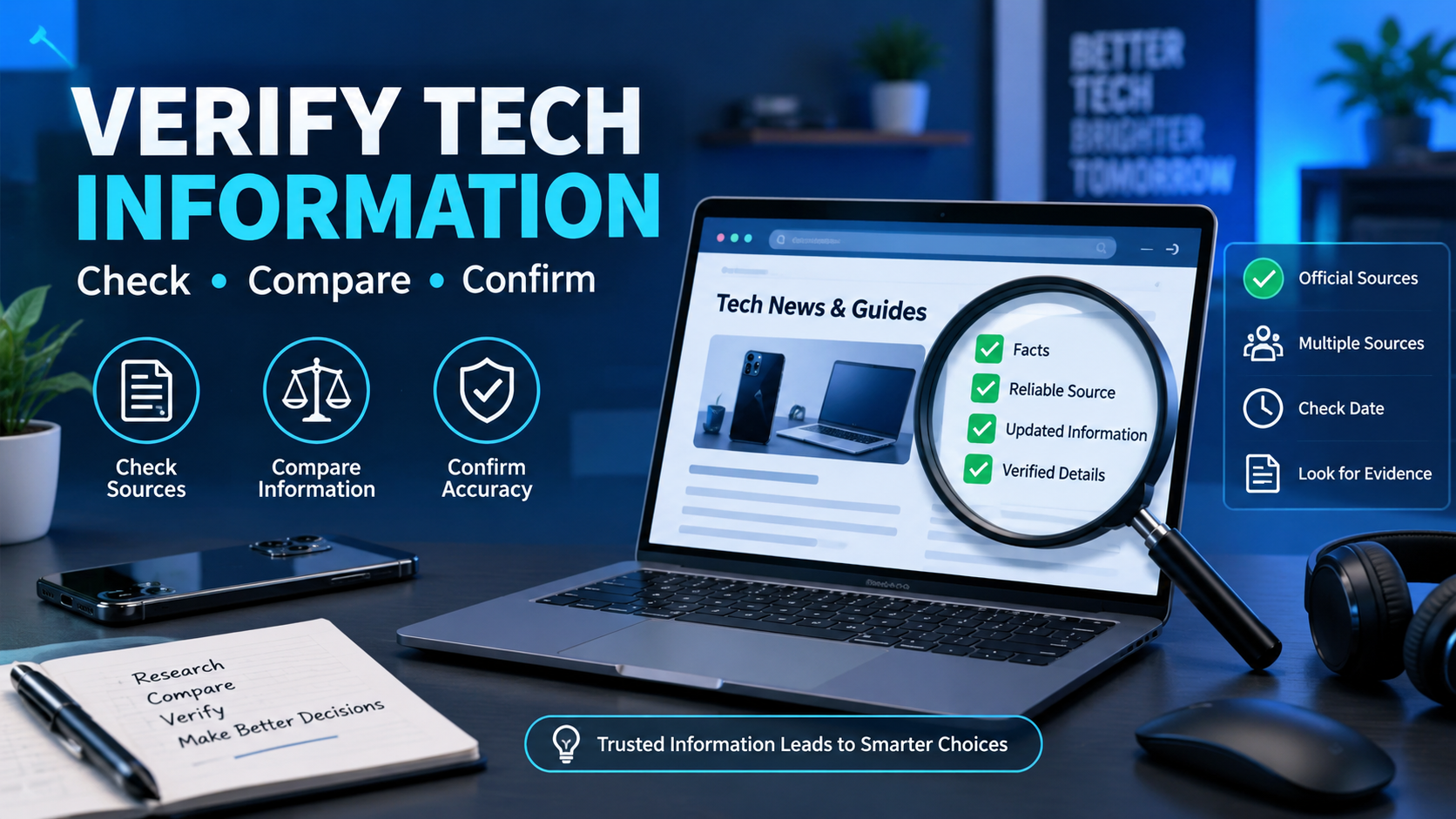
Should You Verify Information Found on GadgetFreeks.com?
The internet has made it easier than ever to discover information about smartphones, computers, apps, accessories, software, and other technology products. Websites such as GadgetFreeks.com may appear in search results when users are looking for technology-related information. However, finding information online and confirming that information are two different things.
Whether you are researching a new device, comparing specifications, learning about an application, or looking for troubleshooting advice, it is sensible to verify important information before relying on it. Technology changes quickly, and even accurate information can become outdated after a product update, software release, or manufacturer announcement.
This article explains why information found on GadgetFreeks.com should be evaluated carefully and how readers can cross-check technology-related claims before making decisions.
Why Is Verification Important?
Technology information can influence purchasing decisions, software installations, device configurations, and even data security. A small error in a specification or compatibility claim can therefore create unnecessary problems.
For example, a phone may receive a new Android version, a laptop manufacturer may change available configurations, or an application may introduce new system requirements. An article published several months earlier may not reflect those changes.
Verification helps readers determine whether information is:
- Current
- Accurate
- Relevant to their particular device
- Supported by reliable sources
- Consistent with official documentation
Rather than assuming that every online statement is incorrect, verification provides a practical way to distinguish useful information from information that requires additional confirmation.
What Kind of Information Might Need Verification?
Not every sentence on a technology website requires the same level of checking. General explanations may be relatively straightforward, while specific technical claims deserve more attention.
Product Specifications
Specifications such as RAM, storage, processor models, screen resolution, battery capacity, connectivity options, and supported operating systems can vary between versions or regions.
If GadgetFreeks.com discusses a particular product, compare those specifications with the manufacturer’s official product page whenever possible.
Software Compatibility
Software compatibility can change quickly. An application that worked with one operating system version may later require a newer version.
Before downloading or installing software, check:
- Supported operating systems
- Minimum hardware requirements
- Required permissions
- Latest version
- Official release information
Prices and Availability
Technology prices can change frequently because of promotions, new releases, regional differences, and retailer policies.
If an article mentions a particular price, treat it as a reference rather than a guaranteed current price. Check the manufacturer’s website or established retailers for the latest figure.
Security-Related Advice
Security information deserves particular attention. If an article recommends downloading an application, changing device settings, disabling a security feature, or using an unfamiliar service, users should investigate the recommendation through additional trustworthy sources.
Avoid installing unknown software simply because an article recommends it.
How Can You Verify Information From GadgetFreeks.com?
Verification does not have to be complicated. A few simple checks can significantly improve the reliability of the information you use.
1. Check the Official Manufacturer
For product specifications, the manufacturer’s website is usually one of the most useful sources.
For example, if an article discusses a smartphone, visit the phone manufacturer’s official product page and compare:
- Processor
- Display
- Camera
- Battery
- Storage
- Network compatibility
- Operating system
- Supported features
If the two sources disagree, investigate why rather than immediately assuming one is correct.
2. Check the Publication or Update Date
Technology articles can become outdated quickly.
Look for information showing when the article was published or updated. A guide written several years ago may still contain useful background information, but its software instructions, prices, specifications, or compatibility information may no longer be current.
3. Look for Supporting Sources
A useful technology article may refer readers to documentation, manufacturer announcements, research, or other authoritative resources.
Check whether important claims have supporting evidence. This is especially useful when an article makes specific statements about:
- Performance
- Security
- Compatibility
- Product capabilities
- Software updates
- Technical limitations
4. Compare Multiple Sources
Cross-checking information is one of the simplest verification methods.
Instead of relying on a single article, compare the information with several reputable sources. If independent sources provide the same specification or explanation, confidence in the information generally increases.
However, multiple websites repeating the same claim does not automatically prove that the claim is correct. Some websites may copy information from one another.
5. Read the Original Documentation
When possible, go directly to the source.
For software, this could mean reading the developer’s documentation. For hardware, it could mean checking the manufacturer’s specifications or user manual.
Original documentation can provide details that a summarized article leaves out.
Should You Trust GadgetFreeks.com Completely?
A better approach is to avoid treating any single website as the final authority for every technology question.
This does not mean information on GadgetFreeks.com is automatically wrong. Instead, readers should consider the purpose of the information and the consequences of relying on it.
For casual topics, an online article may provide a useful starting point. For decisions involving significant money, security, privacy, or technical configuration, additional verification is more important.
Think of a technology website as one part of your research process rather than the only source you consult.
Questions to Ask Before Relying on an Article
Before acting on information found online, consider asking:
| Question | Why It Matters |
|---|---|
| When was the article published? | Information may be outdated |
| Has it been updated recently? | Technology changes frequently |
| Does it cite sources? | Sources provide a way to verify claims |
| Does the manufacturer say the same thing? | Official documentation can confirm specifications |
| Do other reputable sources agree? | Cross-checking can reveal errors |
| Is the information specific to my model? | Different versions can have different features |
| Could following the advice create a security risk? | Some recommendations require extra caution |
These questions can help turn casual browsing into more reliable research.
Be Careful With Product Recommendations
Technology websites sometimes discuss products or services in ways that may sound positive. Readers should separate factual information from opinions and recommendations.
For example, there is a difference between saying:
“This phone has 256GB of storage.”
and saying:
“This is the best phone for most users.”
The first statement can generally be verified through specifications. The second depends on criteria such as price, performance, personal requirements, and competing products.
When reading GadgetFreeks.com or any similar website, identify whether a statement is a measurable fact, an interpretation, or an opinion.
Verify Before Downloading Software
Software-related articles deserve special attention because downloading files from unfamiliar sources can create security and privacy risks.
If an article directs you toward an application or downloadable file, consider checking:
- Whether the developer has an official website
- Whether the application is available through a reputable app store
- Whether the download comes from an authentic source
- What permissions the software requests
- Whether security researchers or reputable publications have discussed it
- Whether your operating system flags the file as potentially unsafe
Avoid disabling antivirus or security protections simply to install software unless you fully understand why that step is necessary and have independently confirmed the source.
Verification Is Especially Important for Technical Guides
Technical tutorials can be helpful, but instructions may differ between operating system versions, device models, and software releases.
Suppose an article explains how to change a setting in Android or Windows. The menu names and locations may have changed since the article was written.
Before following the instructions, confirm:
- Your device or operating system version.
- The publication date of the guide.
- Whether the developer or manufacturer provides updated instructions.
- Whether the steps match your specific device.
This can prevent unnecessary configuration problems.
What About User Reviews and Opinions?
User opinions can provide useful real-world perspectives, but they should not automatically be treated as objective facts.
A person may report that a particular device performs exceptionally well, while another user may have a completely different experience. Differences in software versions, usage patterns, hardware configurations, and expectations can explain these variations.
When reading opinions on GadgetFreeks.com or elsewhere, separate personal experience from independently verifiable information.
A Practical Verification Checklist
Before relying on important information from GadgetFreeks.com, use this quick checklist:
- Check the date: Is the information recent enough for your needs?
- Identify the claim: Is it a fact, opinion, prediction, or recommendation?
- Check the source: Does the article provide supporting references?
- Visit the official source: Confirm specifications and technical requirements.
- Compare sources: Look for agreement among reputable publications.
- Check your exact model: Avoid applying information from a different device.
- Consider security: Be particularly cautious with downloads and system changes.
- Verify important details: Especially before spending money or changing important settings.
When Is Verification Most Important?
Verification is particularly important when the information could have a significant effect on your money, privacy, security, or devices.
Examples include:
- Buying an expensive smartphone or computer
- Installing unfamiliar software
- Changing security settings
- Following instructions involving system files
- Sharing personal information with an online service
- Purchasing technology based on a claimed specification
- Choosing software for professional use
- Following advice about data recovery or device security
For simple technology explanations, extensive research may not be necessary. The level of verification should match the potential consequences of getting the information wrong.
Final Thoughts
GadgetFreeks.com can potentially serve as a starting point for people researching technology topics, but important information should not be accepted without consideration. Technology products, software, prices, compatibility requirements, and security practices can change quickly.
The most reliable approach is to use online articles for discovery and then confirm important details through official manufacturer documentation, developer resources, reputable publications, and other independent sources.
In short, yes, verifying information found on GadgetFreeks.com is a sensible practice, particularly when the information affects purchasing decisions, software installation, security, privacy, or device configuration. Verification does not mean assuming an article is inaccurate; it means taking a few extra steps to make sure the information is current, relevant, and supported before acting on it.